

Using custom-coded animations is a sophisticated strategy to capture attention and direct user focus toward critical conversion points. Modern web design requires more than static layouts to truly captivate an audience. Therefore, developers are turning to lightweight, performant code to craft meaningful interactive experiences.

When done correctly, these micro-interactions breathe life into a landing page. They guide the eye naturally toward important buttons or headlines. Most importantly, these subtle movements provide visual feedback that keeps users engaged. By utilizing CSS transitions, you can ensure smooth motion without heavy JavaScript libraries.
Why Custom-Coded Animations Improve UX
Static websites often fail to create a memorable impression on new users. Custom-coded animations help you stand out by creating a cohesive brand narrative. For instance, a soft reveal effect as a user scrolls creates a sense of polished professionalism. Moreover, these elements transform a standard browse session into a journey.
You must prioritize performance when implementing motion on your site. If the code is bloated, the browser will struggle to render frames, which ruins the experience. Conversely, lean hand-coded CSS creates seamless movement that feels native. According to Google Web Fundamentals, keeping animations efficient is key to maintaining a high Lighthouse score.
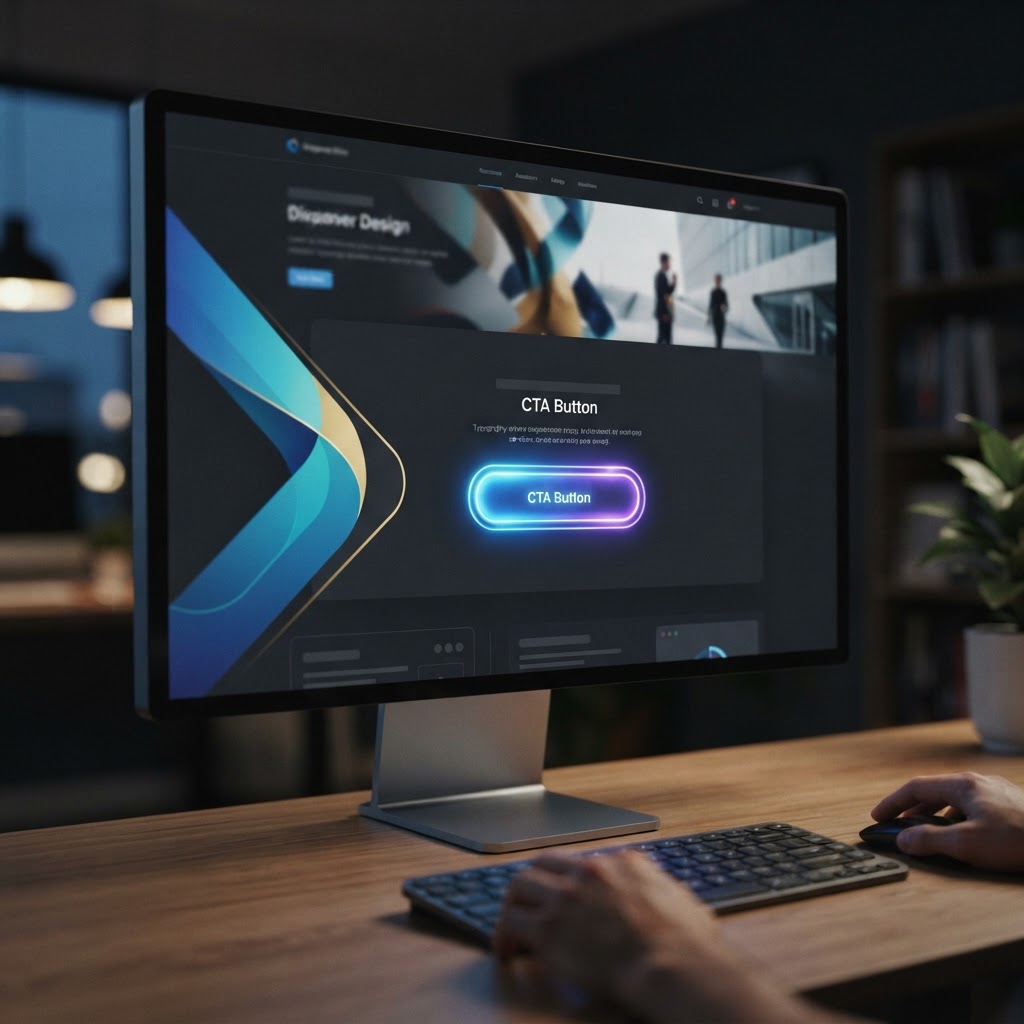
Guiding Users to Your Call-to-Action
Many websites lose conversions simply because the call-to-action (CTA) gets lost in the content. Subtly animated indicators act as a visual beacon for your visitors. For example, a gentle pulse on a ‘Buy Now’ button draws the eye without being intrusive. As a result, users feel encouraged to interact with the primary goal.
Moreover, these animations remove friction from the decision-making process. If a visitor knows exactly where to click, they are more likely to convert. In addition, you can trigger animations based on specific user behavior. Therefore, you create a personalized path that feels reactive and helpful.
Balancing Creativity and Performance
Technical constraints often scare developers away from adding motion. However, modern browsers handle CSS transforms remarkably well. By sticking to properties like ‘transform’ and ‘opacity’, you avoid expensive layout shifts. This approach ensures your page remains fast for mobile users. Consequently, you satisfy both aesthetic needs and core web vital requirements.
Ultimately, your objective is to use motion to enhance usability. Never let flashy effects overshadow the content your visitor came to see. Keep your animations brief, purposeful, and lightweight. By following these rules, you will engage website visitors and achieve better conversion rates.